Guide
3D Rendering From House Plans: Turning Your Drawings Into Photoreal Images
Send us your floor plans, elevations and site plan and we return a photoreal 3D render of the house, from A$445 per exterior image (ex GST) in 5–7 business days. That is the short answer to "can you render my house plans". The longer answer, which this guide covers, is how the drawings become an accurate 3D model, how the view is chosen when the plan has no camera in it, how a colour selection sheet becomes bricks and roof sheeting, what a rendered set costs at our published prices, and when it is worth commissioning rather than doing yourself.
It applies whether the plans are a builder's standard design, an architect's custom home, a draftsperson's drawings for an extension, granny flats or duplexes and dual occupancies, or a concept you have sketched at the kitchen table. The process is the same; what changes is how much of the detail is already decided.

Written by Shrey Agarwal, Founder & Studio Director at Build3DRender
Published 14 October 2026
Step 1
Send the plans
Floor plans, elevations and a site plan as PDF or DWG, plus the external colour selections if you have them, and a sentence on what the image is for.
Step 2
Fixed quote within one business day
You get a price per image, what is included, and a delivery date. Nothing starts until you approve it.
Step 3
Modelling from the drawings
The house is built in 3D to the dimensions on the plans, on the block if you have supplied a lot plan, with the neighbours and street as context.
Step 4
Draft render for feedback
A near-final image with materials and lighting close to what you need. Camera, framing, time of day and finishes are all still adjustable at this point.
Step 5
Revisions from your mark-ups
Changes to colours, materials, planting, furniture and camera are made from your notes, with up to 4 rounds included.
Step 6
Final 4K delivery
The full-resolution image is rendered, finished in post-production and delivered as JPEG and TIFF for print and web.
What rendering a set of house plans actually produces
'Rendering house plans' can mean four different things, and the first job is to decide which you need. Each is produced from the same 3D model, so the model is built once; sets of five images or more are priced as a package.
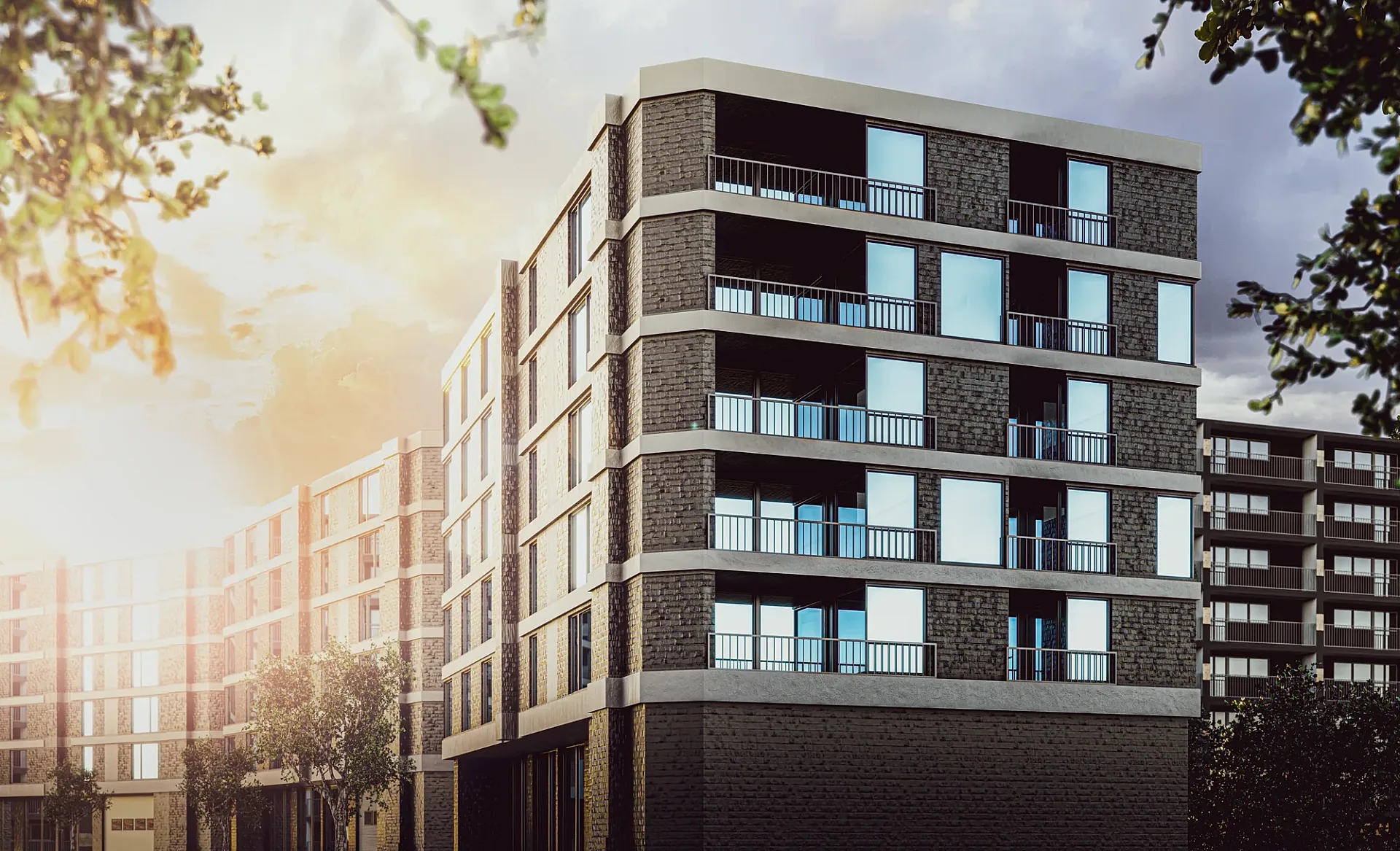
- An exterior render: the house from the street or the garden, with real materials, landscaping, sky and neighbours. This is the image used to sell a home, pitch for a tender or support a planning application.
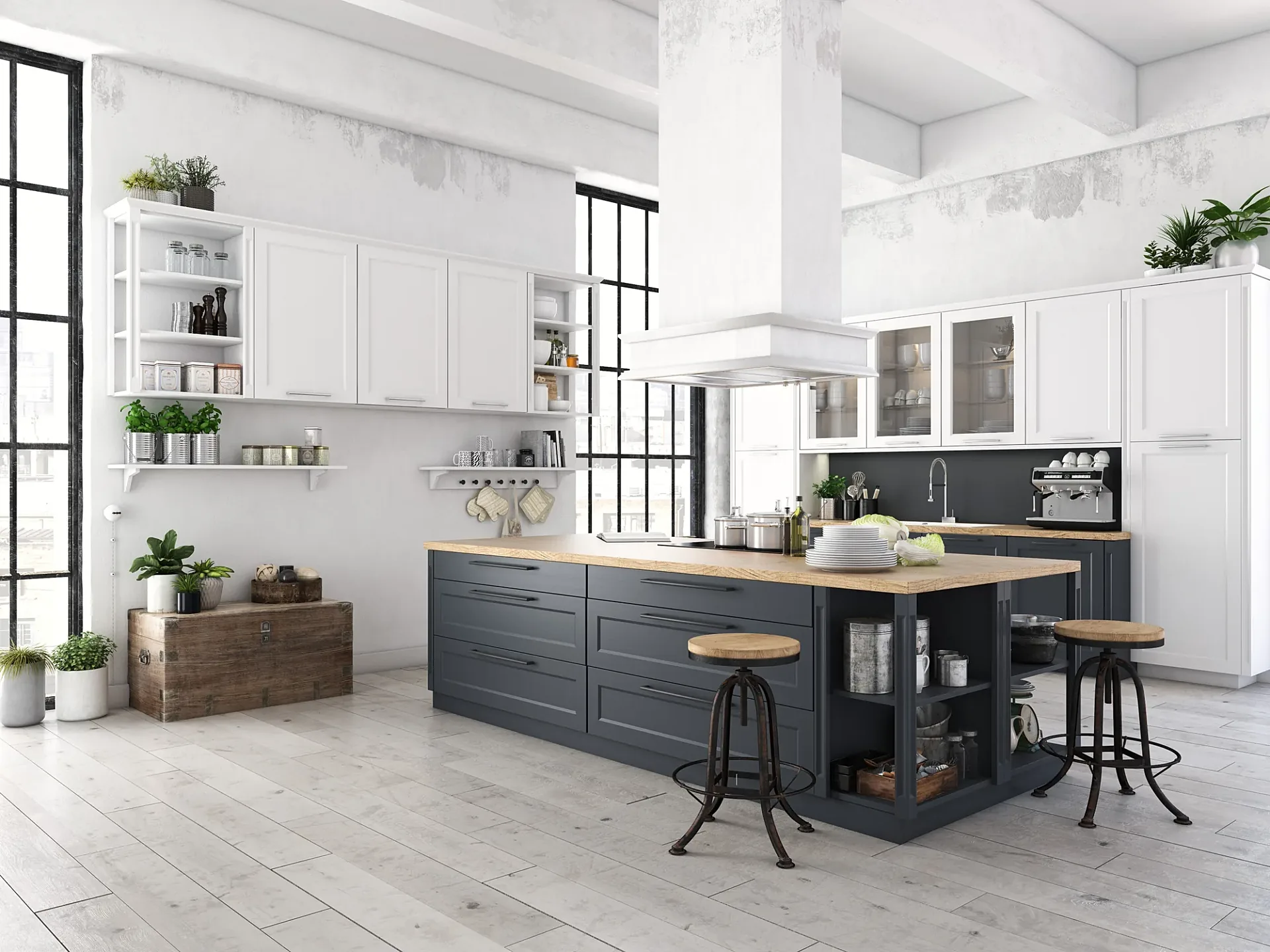
- An interior render: the kitchen, living room or main bedroom from inside, with the finishes, furniture and natural light the plan implies. This is what settles kitchen and colour decisions before they are built.
- A furnished 3D floor plan: the floor plan drawn as a coloured, furnished, slightly tilted view, so someone who cannot read a 2D plan understands the layout in seconds.
- A planning view: a street-level image, sometimes composited into a photograph of the actual site, that shows a council or a neighbour how the house sits in its context.
Which drawings a rendering studio works from, and what each one is used for
The quality of a render is set by the drawings behind it, because the model is built to what the drawings say. Each drawing does a specific job. The floor plan gives the footprint, the room layout and the wall thicknesses. The elevations give the heights, the roof form, the window positions and the facade materials; we need every elevation that faces open space, even the ones that will not be in the picture, because the roof and the side windows show. The site plan gives the block, the setbacks, the driveway and the north point. A section fixes ceiling heights and roof pitches, a window schedule fixes glazing sizes, and the landscape plan tells us what grows where.
The format matters less than people expect. PDF is fine for most houses. DWG, Revit, ArchiCAD and SketchUp files are faster for us and reduce the chance of a mis-read dimension, so send them if you have them. Builder's brochure plans, with a facade drawing and a dimensioned floor plan, are enough to model the exterior of a standard design. Hand-drawn concept sketches work for early-stage images as long as the overall dimensions are written on them.
The north point is the drawing most often missing. In Australia the sun sits in the northern sky, so a north-facing facade is lit and a south-facing one is not, whatever time of day we choose. The north point tells us which case we are in, and we pick the time of day and the camera to show the house fairly rather than flattering it with light it will never get.
From plans to render: the six stages
The steps above are the same for a single exterior and for a full marketing set. Two of them deserve explanation. The draft render is not a grey model or a wireframe: it is a near-final image with the materials and lighting in place, so your feedback is about the picture you will actually receive. And the revision rounds are for mark-ups on that draft; a change to the design itself, such as moving a window or adding a room, means changing the model and is quoted separately.
A typical set is delivered in 5–7 business days from the approved quote when mark-ups come back within a day of each draft; each revision round adds the time it takes you to send notes and us to apply them. A single furnished floor plan is faster, usually about three business days. Rush delivery in 48–72 hours is possible with a surcharge. The turnaround guide sets out each stage with the time it takes.
Choosing the view from a plan
A plan has no camera in it, so the view is a decision, and it is the decision that most affects how good the image is. For an exterior, the default is a three-quarter view from the street that shows the entrance facade and one side, taken from a height a person could stand at. It reads as a photograph because it is framed like one. A straight-on elevation view is useful for comparing facade options but feels flat as a marketing image. For a house on a sloping block, the view is taken from the downhill side so the house reads at its full height.
For interiors, the view is found on the plan by looking for the longest sightline: usually from the entry of the living area looking toward the kitchen and the garden, so one frame shows the open plan, the island and the outlook. Tell us what the image has to do and we propose the camera; you adjust it at the draft.
Showing the house on the actual block, and in the real street
A house rendered on a flat, generic lawn is a house on nobody's block. With the lot plan or the survey, the model is placed with the correct setbacks and driveway side, and with the slope and any cut and fill if the survey shows levels. Neighbours are built from the survey, your site photographs and aerial imagery, so the context is recognisable without being photographic.
Where the context has to be real, the model is composited into a photograph taken from the street. That is the photomontage used for development applications, where the question is how the house changes the street rather than how it looks in isolation. It needs a site photograph with a known camera position, and it is quoted per project.
Turning a colour selection sheet into materials
Plans rarely carry the finishes. The external colour selection sheet does, and it is the document that makes the difference between a render that looks like the house and one that looks like a house. Send the brick or cladding product and colour, the roof material and colour, window frame colour, garage door, gutters and fascia, render colour if any, and the driveway finish. We model the actual Australian products rather than approximate them, so the brick coursing, the roof profile and the cladding board width are right.
If the finishes are not chosen yet, say so. We render a sensible scheme for the draft and you use the render as the tool for choosing: swapping the brick, the roof colour or the cladding at the draft stage is a revision, and comparing two or three schemes side by side is quoted as variants of the same image.
The floor plan deserves rendering too
Most people who search for rendering house plans want the facade. The furnished 3D floor plan is often the more useful image for the decisions a build involves, because it is drawn to scale from the same plan with furniture at real size, and it answers the questions a 2D plan hides: whether the lounge takes a three-seater and a dining table, which way the doors swing, how far the kitchen is from the alfresco. For a two-storey home, each level is a plan. From A$445 per plan, about three business days.
What it costs to render a set of house plans
Per image, at our published prices, ex GST: exteriors from A$445, interiors from A$345, furnished 3D floor plans from A$445. A single-house set of one exterior, one interior and one floor plan therefore starts at A$1,235. A day and a dusk exterior, two interiors and a floor plan adds up to A$2,025 at single-image prices, before the package pricing that applies from five images. Facade and colour-scheme variants of a modelled design are priced as variants, not as new images.
What moves the price up is size and complexity, not the number of pages in the plan set: a large two-storey home with a pool and extensive landscaping takes longer to model than a single-storey courtyard house. Every factor is set out, with worked examples, on the 3D rendering cost guide.
Doing it yourself, software, and when a studio is worth it
Plenty of people searching for this want to render their own plans, and for some purposes that is the right call. Free and low-cost home-design tools, and the 3D views in SketchUp or the design software your builder uses, will give you a recognisable massing model and a rough idea of the layout, and that is enough for an early conversation about room sizes. What they do not give you, without a lot of time, is the actual Austral or PGH brick, the actual COLORBOND roof colour, the block and its neighbours, the sun for your orientation, a camera that reads as a photograph, or a 4K file for a brochure or a hoarding.
The practical test is what the image has to do. If it is for you alone, to check a layout, a rough model is fine. If it has to persuade someone else, a buyer, a bank, a council or a partner who cannot read plans, it needs to look like the finished house, and that is what a studio working in 3ds Max and Corona Renderer from your drawings produces.
Problems with plans that cause revisions, and how to avoid them
In our experience, delays on house renders usually trace back to the drawings rather than the rendering. The usual ones:
- No dimensions on the plan, or dimensions that do not add up across the elevations. We build to the numbers, so missing numbers become questions.
- An elevation missing for one side. Even if that side will never be in the picture, its roof and windows affect the model.
- Plans that change after the draft. A window moved after the draft is a model change, not a mark-up. Lock the design before briefing if you can.
- An old revision sent by mistake. Check the revision cloud and date in the title block before sending.
- No north point and no site plan, so the orientation and the block have to be assumed.
- Finishes described rather than specified. 'White brick' is a guess; 'Austral Bricks Bowral 76 Chillingham White' is a product. The briefing guide covers the finishes schedule in detail.
Who renders house plans, and why
Home builders render standard designs as facade ranges for brochures and display villages; architects and building designers render custom homes for client approval and development applications; draftspeople add a render to extension and new-home packages; and real estate agents commission a facade render and a floor plan for knock-down-rebuild listings. The house rendering page shows what the finished images look like for each of these, with projects from Sydney, Melbourne, Brisbane, Perth and Adelaide briefs.
And homeowners render their own plans, often for the most practical reason of all: a render is far cheaper than discovering after the slab is poured that the facade chosen from a small drawing is not the one they wanted. The briefing guide has a checklist of what to send.
Questions
Frequently asked questions
Yes. Send floor plans, elevations and a site plan as PDF or DWG, with the external colour selections if you have them. You receive a fixed quote within one business day, a draft render for feedback, and the final image at 4K, typically in 5–7 business days.
At minimum a dimensioned floor plan for each level, the elevations and a site plan with a north point. Sections, a window schedule, a landscape plan and the colour selection sheet improve accuracy. DWG, Revit, ArchiCAD and SketchUp files are welcome but not required.
Exteriors from A$445, interiors from A$345 and furnished 3D floor plans from A$445, all ex GST. A one-exterior, one-interior, one-floor-plan set starts at A$1,235. Sets of five or more images are priced as a package.
Typically 5–7 business days to the final image, with the draft render included, when mark-ups come back within a day of each draft. Each revision round adds the time it takes you to send notes and us to apply them. A single 3D floor plan takes about three business days. Rush delivery is available with a surcharge.
Yes. A brochure plan with a facade drawing and a dimensioned floor plan is enough to model a standard design's exterior; we will ask for the other elevations if the roof or the side windows will be visible. For interiors we need ceiling heights and window sizes, which usually means the working drawings.
Yes. Send the lot plan or the survey, and the house is placed with the correct setbacks, driveway side and, if the survey shows levels, the slope. With only an address we place the house and neighbours from aerial imagery and say so. For planning applications the model can be composited into a photograph of the street, quoted per project.
Yes. We render a sensible scheme for the draft, and you use the draft to choose. Changing the brick, roof or cladding at the draft is a revision; comparing two or three schemes side by side is quoted as variants.
For concept-stage renders, yes, as long as the overall dimensions are written on the sketch. Undimensioned drawings have to be interpreted, which costs revisions later.
It matches the drawings and the finishes you supply. We model the actual products, build to the dimensions and light the house for its orientation. We do not add views, planting maturity or context that the house will not have.
Yes. The exterior, the interiors and the furnished 3D floor plan are all produced from the same model built from your drawings, so the model is built once and each extra image is priced as an image, with package pricing from five images.
Services
Commission a render
3D Exterior Rendering
3D exterior rendering and facade visuals for Australian developers, builders and architects.
from A$445 per image
3D Interior Rendering
3D interior rendering for Australian architects, designers and developers.
from A$345 per image
3D Architectural Animation
3D architectural animation, walkthroughs and flythroughs for Australian developers and architects.
from A$65 per second (min. 30s)
3D Floor Plans
Furnished 3D floor plans, colour 2D plans and site plans for Australian property marketing.
from A$445 per plan
3D House Rendering
3D house rendering for Australian builders, display villages and custom-home architects.
from A$445 per image
Townhouse & Duplex Rendering
Townhouse and duplex 3D rendering: streetscapes, dwelling types and interiors for launches and planning, from A$445 per image.
from A$445 per image
Apartment Rendering
3D apartment rendering for Australian developers, marketers and architects, from your drawings.
from A$445 per image
Granny Flat Rendering
Granny flat and secondary dwelling 3D renders for Australian builders: the real backyard, compact interiors and site plans, from A$445.
from A$445 per image
3D Product Rendering
3D product rendering for Australian furniture, joinery and building-product brands.
from A$345 per image
Commercial 3D Rendering
Commercial 3D rendering for retail, office, hospitality and industrial projects across Australia.
from A$445 per image
More guides
Keep reading
Renders for a Development Application: What Councils and Panels Expect
What councils and panels expect from renders for a development application, state by state, and how a photomontage becomes a documented verified view.
What Is 3D Rendering?
What 3D rendering is, how it differs from photography, when to use it, how it is made and when it is worth commissioning — by a working rendering studio.
3D Rendering for Real Estate and Property Developers
How Australian developers and agents use 3D renders for off-the-plan marketing: which images to commission, when, what they cost and what moves stock.
How to Brief a 3D Render
What to send a rendering studio — drawings, finishes, references, deadlines — plus a briefing checklist that gets a better render with fewer revisions.
How Long Does 3D Rendering Take?
Realistic 3D rendering turnaround times in Australia for stills, floor plans, aerials and animation, stage by stage, plus what makes a render run late.
Get a fixed AUD quote within one business day
Send us your plans, elevations or even a sketch. Exterior renders from A$445, interiors from A$345, delivered in 5–7 business days.