Guide
How to Brief a 3D Render
The quality of a render is decided in the brief. Studios can model from almost anything, but every gap in the brief becomes an assumption, every assumption becomes a revision, and revisions are where timelines slip and budgets stretch. This guide sets out what to send, what to decide before you send it, and the questions a good studio will ask if you don't.
It applies to any architectural, interior or product render, from a single facade to a full off-the-plan marketing set, and it ends with a checklist you can copy into your project template.

Written by Shrey Agarwal, Founder & Studio Director at Build3DRender
Published 4 September 2026
Step 1
Decide what the render is for
Sales, planning, client sign-off or investor deck — the purpose sets the camera, the styling and the level of accuracy.
Step 2
Gather the drawings
Site plan, floor plans, elevations, sections and any joinery or landscape drawings, as DWG, PDF, Revit, ArchiCAD or SketchUp.
Step 3
Lock the finishes
A finishes schedule with supplier codes for every visible material, plus the colour schemes if there are several.
Step 4
Choose the views
List the images you need and the story each one tells; the first draft render shows the proposed angles with materials and lighting close to final.
Step 5
Send references and constraints
Mood images, brand guidelines, competitor examples, and anything the render must not show.
Step 6
Set the dates
Give the real deadline and what depends on it, and agree the review dates for the draft render and the revision rounds.
Start with the purpose, not the picture
A render for a development application needs a realistic camera at pedestrian height, honest planting and no beautification. A render for a launch campaign needs a hero angle, dusk light and a lifestyle in the picture. A render for a client choosing between two cladding options needs the same view twice, with nothing else changing. Tell the studio which of these you are buying — it changes the camera, the lighting, the styling and how the revisions are spent.
What files to send a rendering studio
The more of these you have, the fewer assumptions get made. Native CAD is best, but PDF is fine if that is what exists. For a single home, the guide to 3D rendering from house plans goes through what each drawing is used for.
- Site plan with north point, boundaries, setbacks and levels
- Floor plans for every level shown, with room names and dimensions
- Elevations and at least one section (for ceiling heights, parapets and roof pitches)
- Joinery drawings for kitchens, wardrobes and vanities if interiors are rendered
- Reflected ceiling plan or lighting layout for interiors
- Landscape plan, or at least the planting intent
- Window and door schedule (frame colour, glazing type, opening style)
- Survey and site photographs, and the address, so context and neighbours can be modelled
- Any 3D model that already exists — SketchUp, Revit, ArchiCAD, Rhino — even a rough one
The finishes schedule is the brief
Nothing causes more revisions than an unspecified material. 'Timber floor' becomes a revision when it is not the blackbutt you meant. Send a finishes schedule with supplier and product codes for every visible surface: bricks and blend, render colour, cladding profile and colour, roof, window frames, front door, driveway, fencing; and inside, floors, benchtops, splashbacks, joinery fronts and handles, tapware, tiles, wall paint, feature walls and lighting fittings. If there are multiple colour schemes for buyers, send each as a separate schedule. Physical samples can be posted for stone, timber and fabric where colour accuracy matters.
Choosing the views
List the images you need and what each one is for. A typical residential set is a hero exterior, a streetscape, two or three interiors and a floor plan; the studio will send a draft render for feedback so you can adjust angles before any materials go on. Say if a view must show something specific — the entry, the outlook from the balcony, the alfresco — and if a view must not show something, such as a neighbour's wall or a view the apartment does not actually have.
References, brand and the audience
Two or three reference images that show the mood you want — from a competitor's campaign, a magazine, a previous project — are worth a page of description. Send brand guidelines so colour grading, typography on floor plans and any titles match. Say who the buyer is: a first-home buyer, a downsizer and an investor are styled differently, and an image aimed at the wrong audience is a wasted image.
Deadlines and decision-makers
Give the real deadline and what depends on it — a launch, a lodgement, a board meeting. A typical set takes 5–7 business days from approved brief, with a draft render at day two or three and a draft around day four or five; the calendar only works if someone is available to review on those days. Name one person who signs off. Feedback from five stakeholders arriving over a week, some of it contradictory, is the most common cause of a late delivery.
What a good studio will ask you
If any of the following are missing from your brief, expect the question: What time of day and season should the exterior be lit for? Is the landscaping shown at planting or at maturity? Do you want people and cars in the image? Which colour scheme is the hero? Are the neighbours to be shown accurately (for planning) or softened (for marketing)? What resolution and format do you need — print, hoarding, portal, social? Who is the final approver? Answering those in the brief saves a day.
The briefing checklist
Copy this into your project template and tick it off before you send the brief.
- Purpose of each image (sales / planning / sign-off / investor)
- Drawings: site plan, plans, elevations, section, joinery, RCP, landscape
- Finishes schedule with supplier codes, per colour scheme
- Window, door and lighting schedules
- Survey, site photos and address for context
- Existing 3D model if any
- List of views and what each must show or avoid
- Reference images and brand guidelines
- Target buyer
- Resolution and format needs (print, hoarding, portal, social, video)
- Real deadline and the dependent event
- Single approver and their availability on review days
Questions
Frequently asked questions
Site plan, floor plans, elevations, a section, and a finishes schedule with supplier codes. Joinery, lighting and landscape drawings help for interiors and exteriors. DWG, PDF, Revit, ArchiCAD and SketchUp are all fine.
Yes, for concept-stage renders. Dimensions have to be legible, and finishes still need to be specified for a photoreal result.
Not exactly. Tell us what each image needs to show, and the first draft render proposes the angles with materials and lighting close to final; you adjust anything in the revision rounds.
Unspecified finishes, changes to the design after the draft, and feedback from multiple stakeholders arriving at different times. A locked finishes schedule and a single approver prevent most of it.
Allow 5–7 business days for a typical set plus the time your agency needs to use the images. For a launch, brief 8–12 weeks out once finishes are locked.
For stone, timber and fabrics where colour accuracy matters, yes — post the physical samples and we match them under calibrated lighting.
Yes, but design changes after the draft are outside the included revision rounds because they mean remodelling. Styling and colour changes are mark-ups and sit within the included revision rounds.
The checklist on this page is our template. Copy it into your project documents and send it with the drawings.
Services
Commission a render
3D Exterior Rendering
3D exterior rendering and facade visuals for Australian developers, builders and architects.
from A$445 per image
3D Interior Rendering
3D interior rendering for Australian architects, designers and developers.
from A$345 per image
3D Architectural Animation
3D architectural animation, walkthroughs and flythroughs for Australian developers and architects.
from A$65 per second (min. 30s)
3D Floor Plans
Furnished 3D floor plans, colour 2D plans and site plans for Australian property marketing.
from A$445 per plan
3D House Rendering
3D house rendering for Australian builders, display villages and custom-home architects.
from A$445 per image
Townhouse & Duplex Rendering
Townhouse and duplex 3D rendering: streetscapes, dwelling types and interiors for launches and planning, from A$445 per image.
from A$445 per image
Apartment Rendering
3D apartment rendering for Australian developers, marketers and architects, from your drawings.
from A$445 per image
Granny Flat Rendering
Granny flat and secondary dwelling 3D renders for Australian builders: the real backyard, compact interiors and site plans, from A$445.
from A$445 per image
3D Product Rendering
3D product rendering for Australian furniture, joinery and building-product brands.
from A$345 per image
Commercial 3D Rendering
Commercial 3D rendering for retail, office, hospitality and industrial projects across Australia.
from A$445 per image
More guides
Keep reading
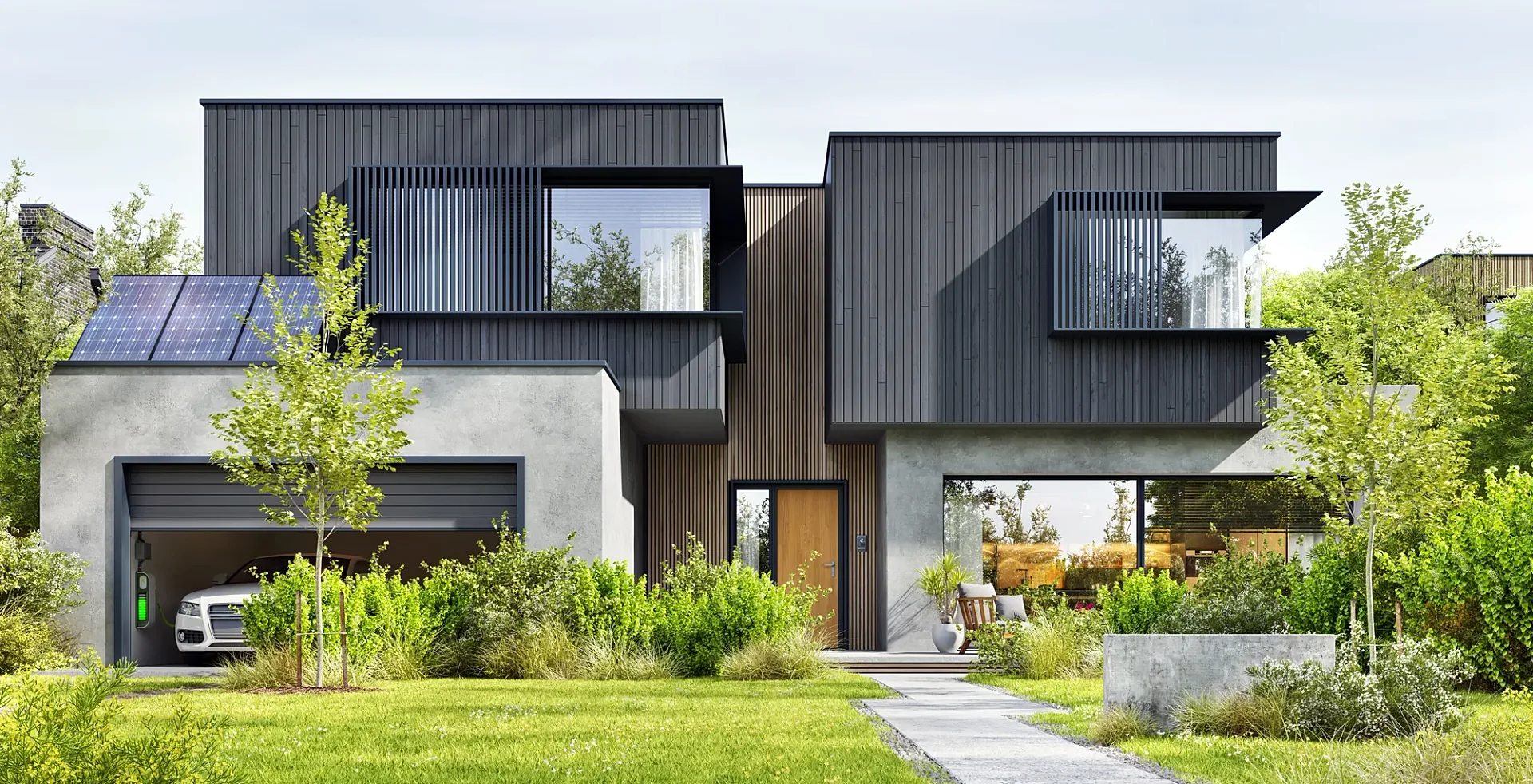
3D Rendering From House Plans: Turning Your Drawings Into Photoreal Images
Turn house plans into a photoreal 3D render: which drawings to send, how the view and finishes are chosen, prices from A$445 ex GST, 5–7 business days.
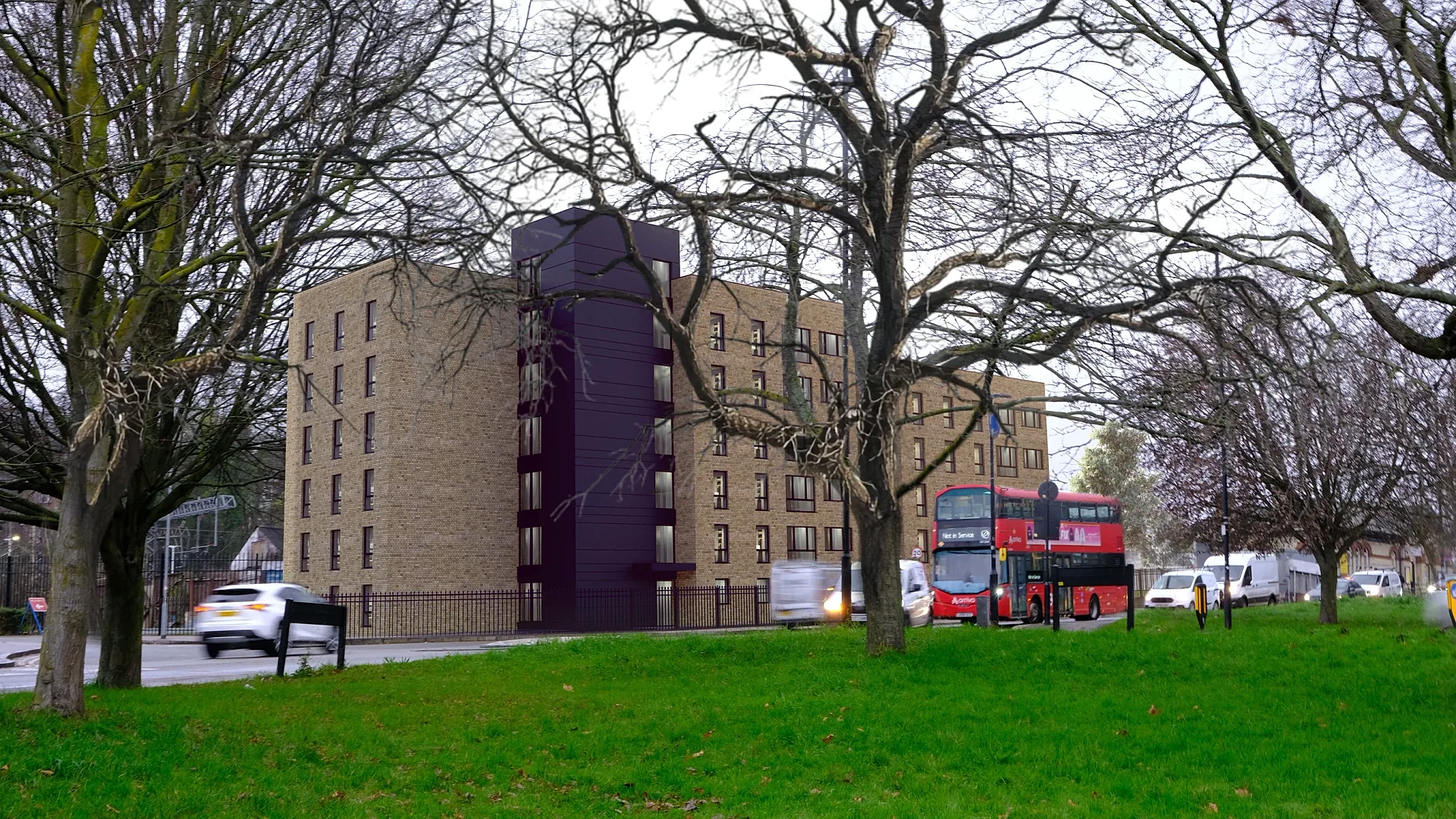
Renders for a Development Application: What Councils and Panels Expect
What councils and panels expect from renders for a development application, state by state, and how a photomontage becomes a documented verified view.
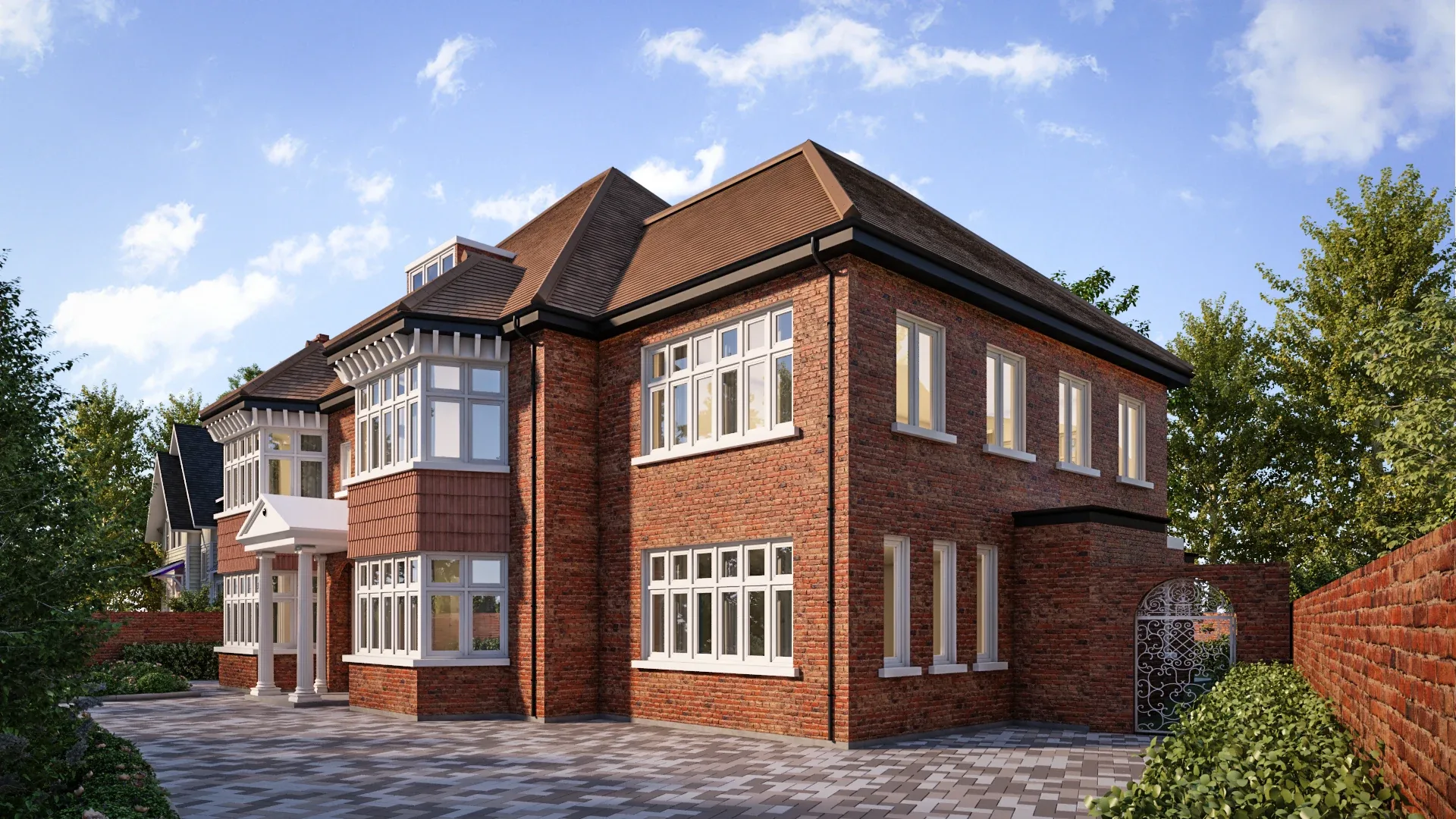
What Is 3D Rendering?
What 3D rendering is, how it differs from photography, when to use it, how it is made and when it is worth commissioning — by a working rendering studio.
3D Rendering for Real Estate and Property Developers
How Australian developers and agents use 3D renders for off-the-plan marketing: which images to commission, when, what they cost and what moves stock.
How Long Does 3D Rendering Take?
Realistic 3D rendering turnaround times in Australia for stills, floor plans, aerials and animation, stage by stage, plus what makes a render run late.
Get a fixed AUD quote within one business day
Send us your plans, elevations or even a sketch. Exterior renders from A$445, interiors from A$345, delivered in 5–7 business days.